
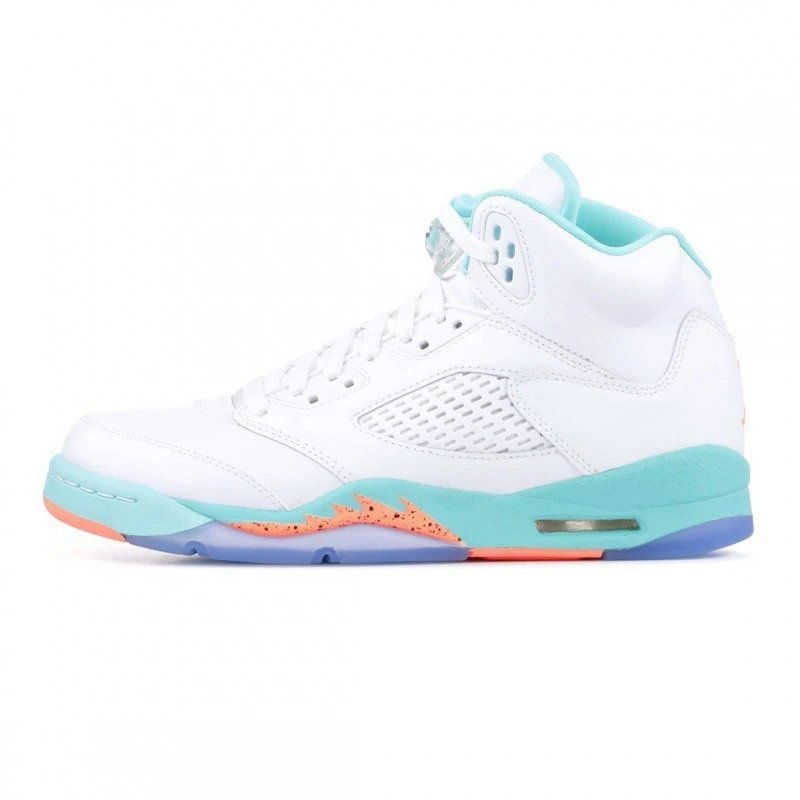
 Shoes
Shoes
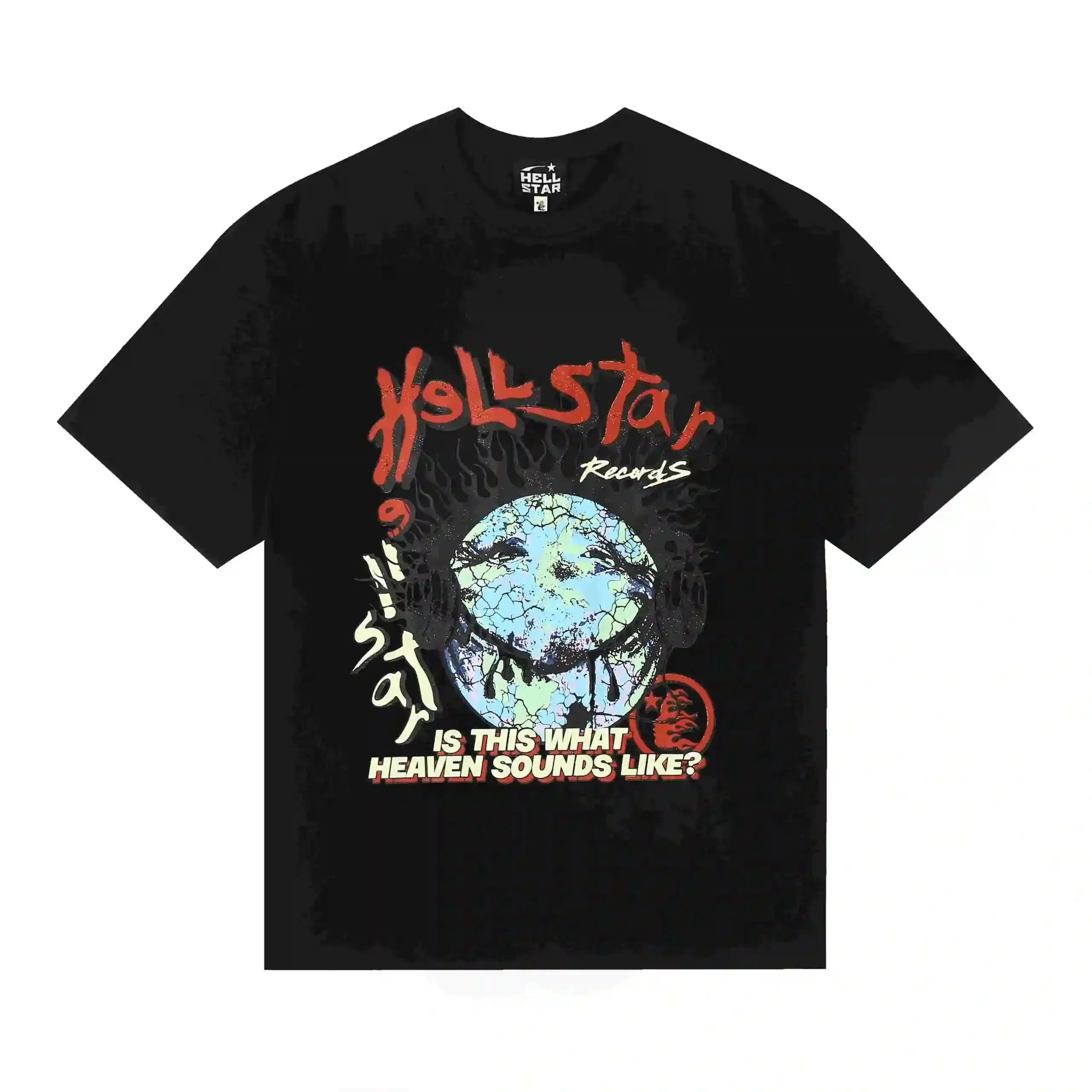 T-Shirts
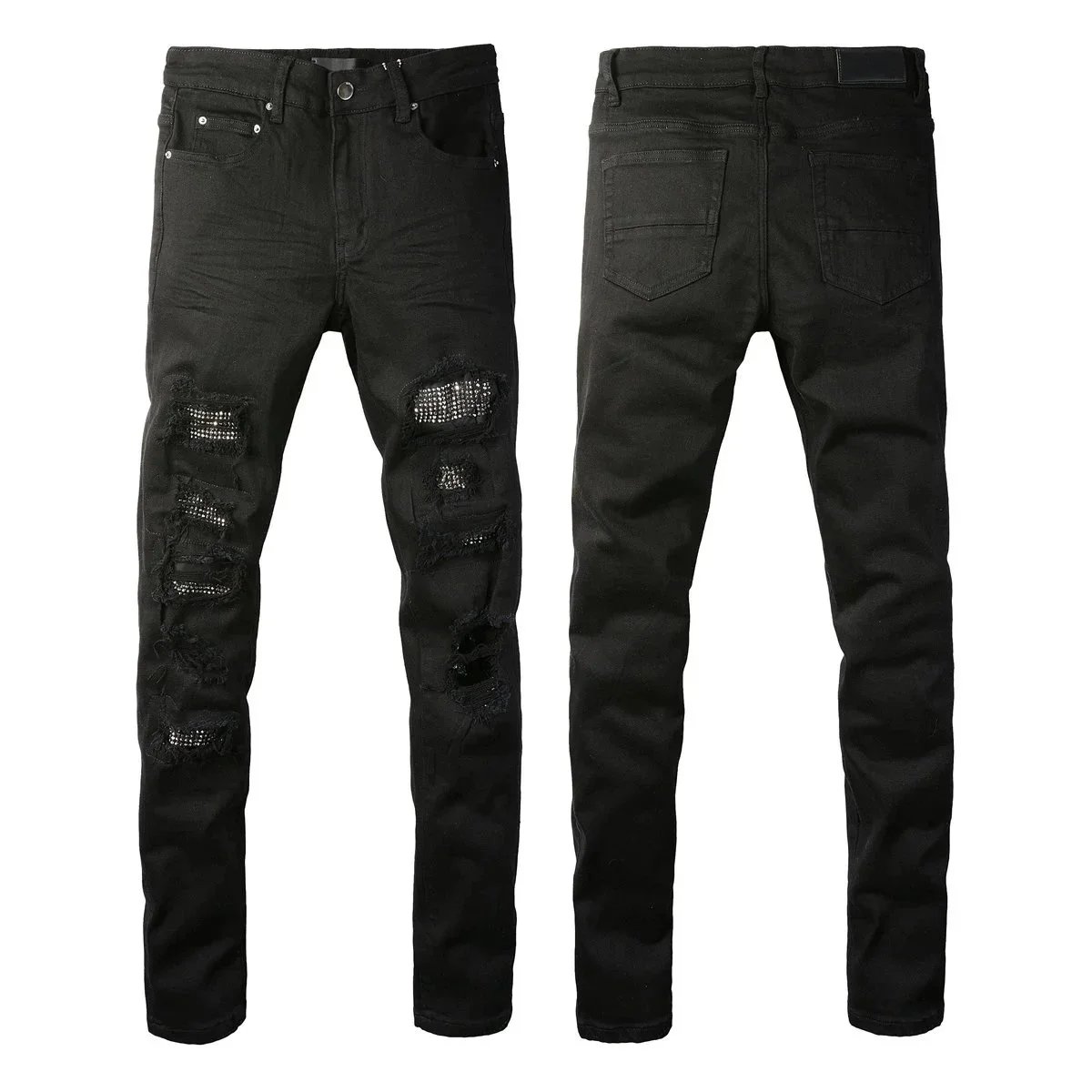 Pants & Shorts
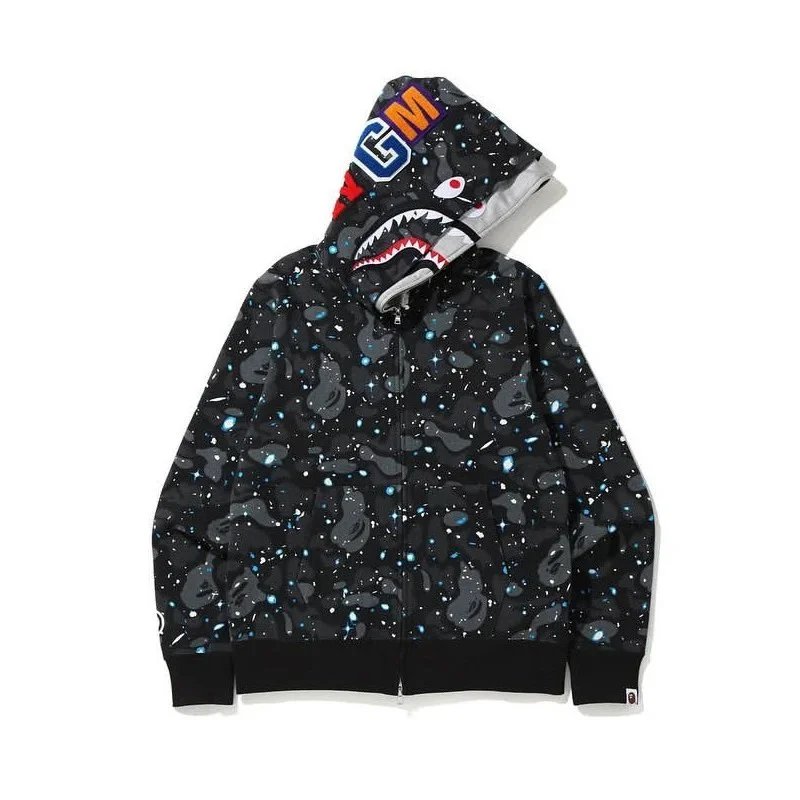 Hoodies
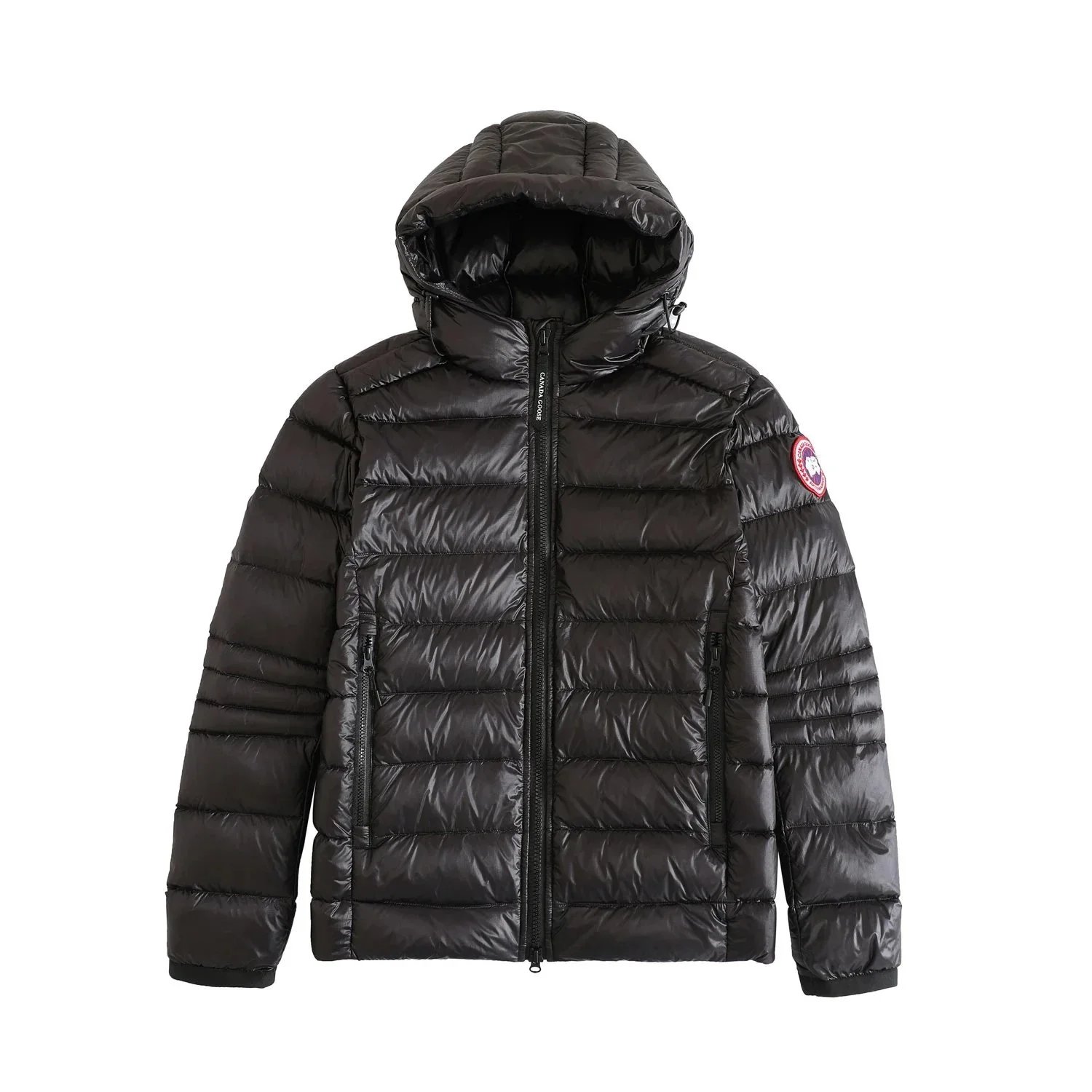 Jackets
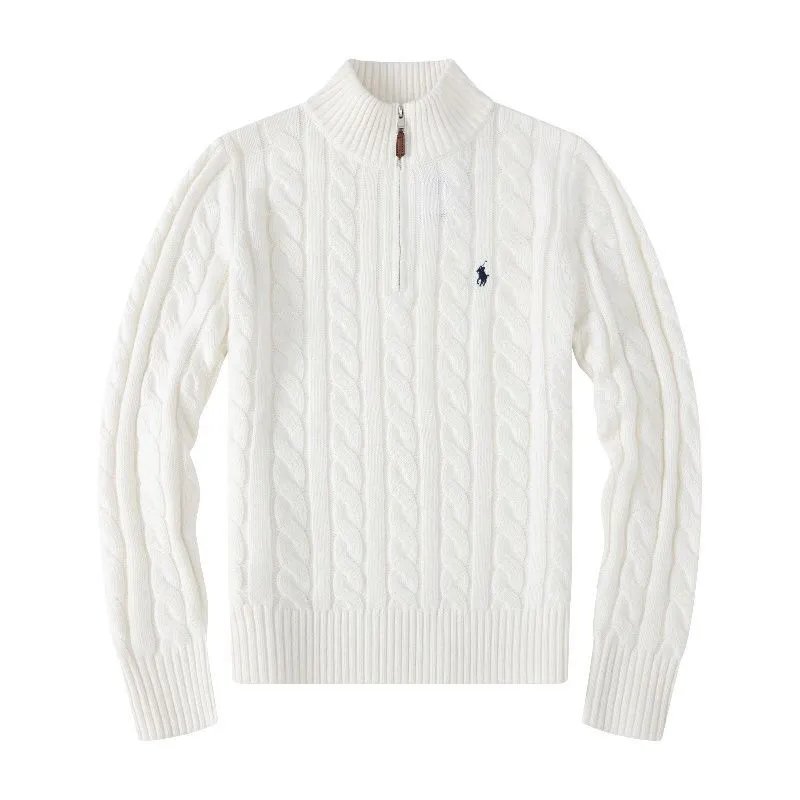 Sweaters
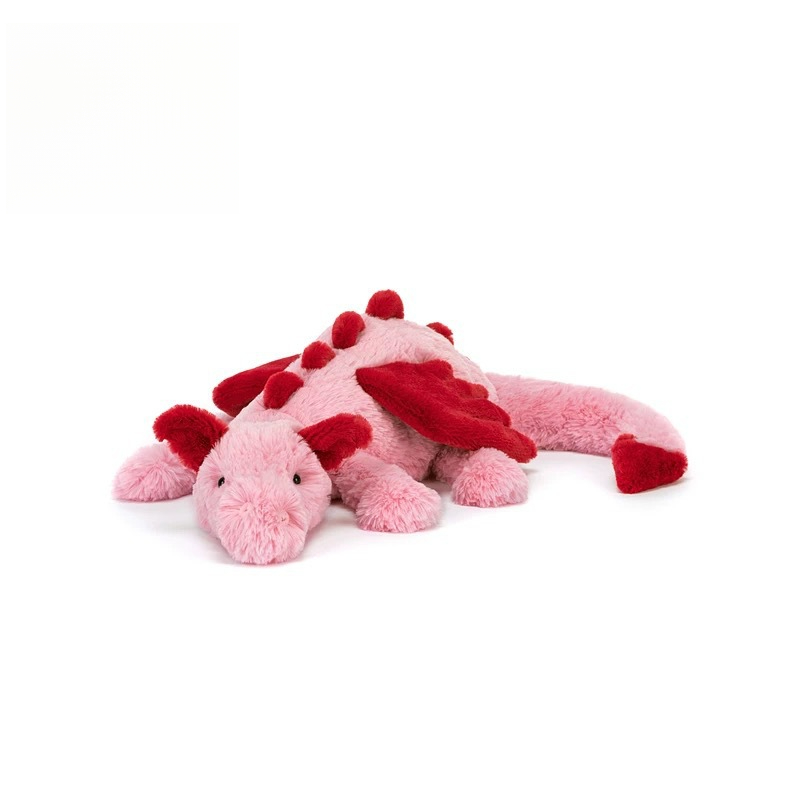 Accessories
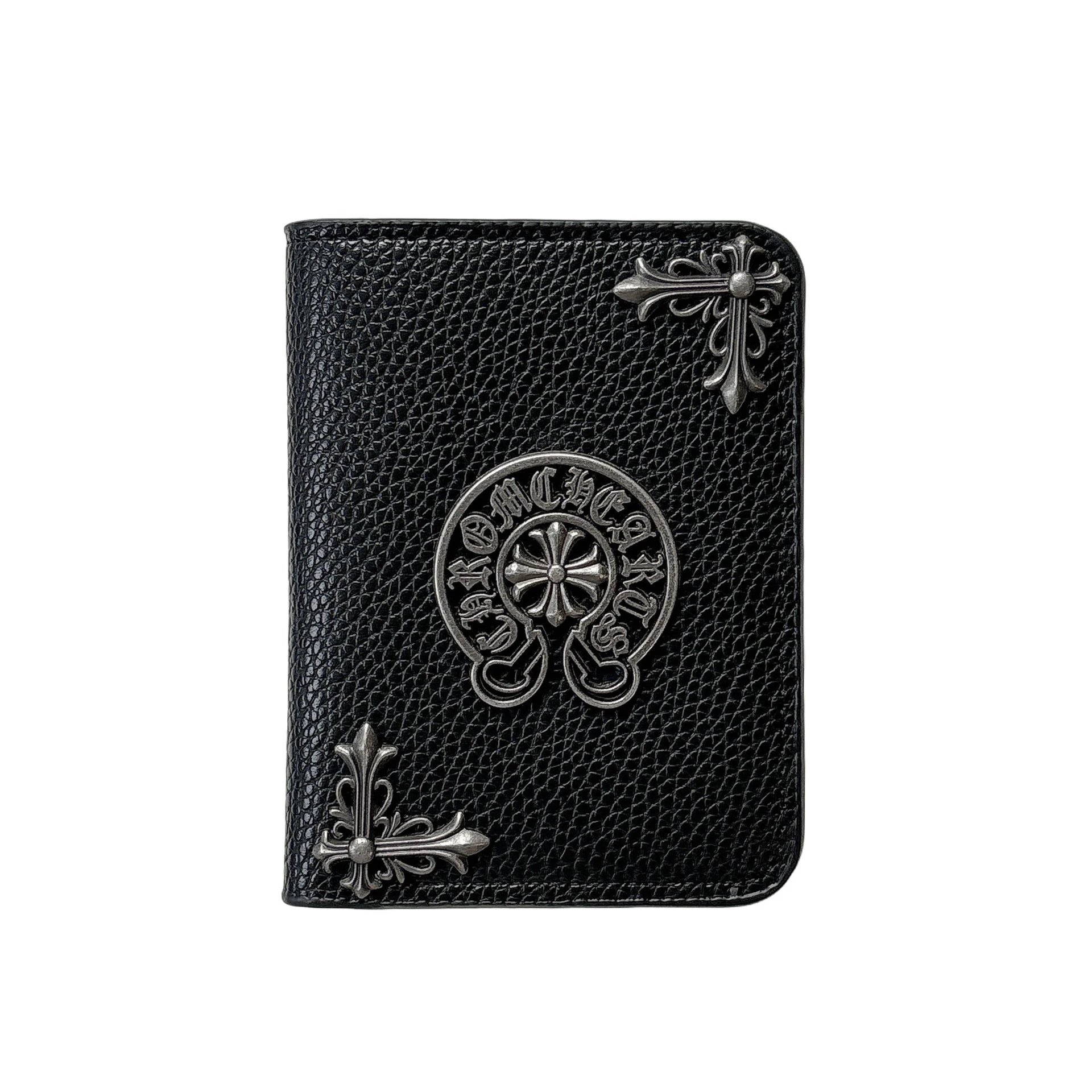 Bags
Bags
 Headwear
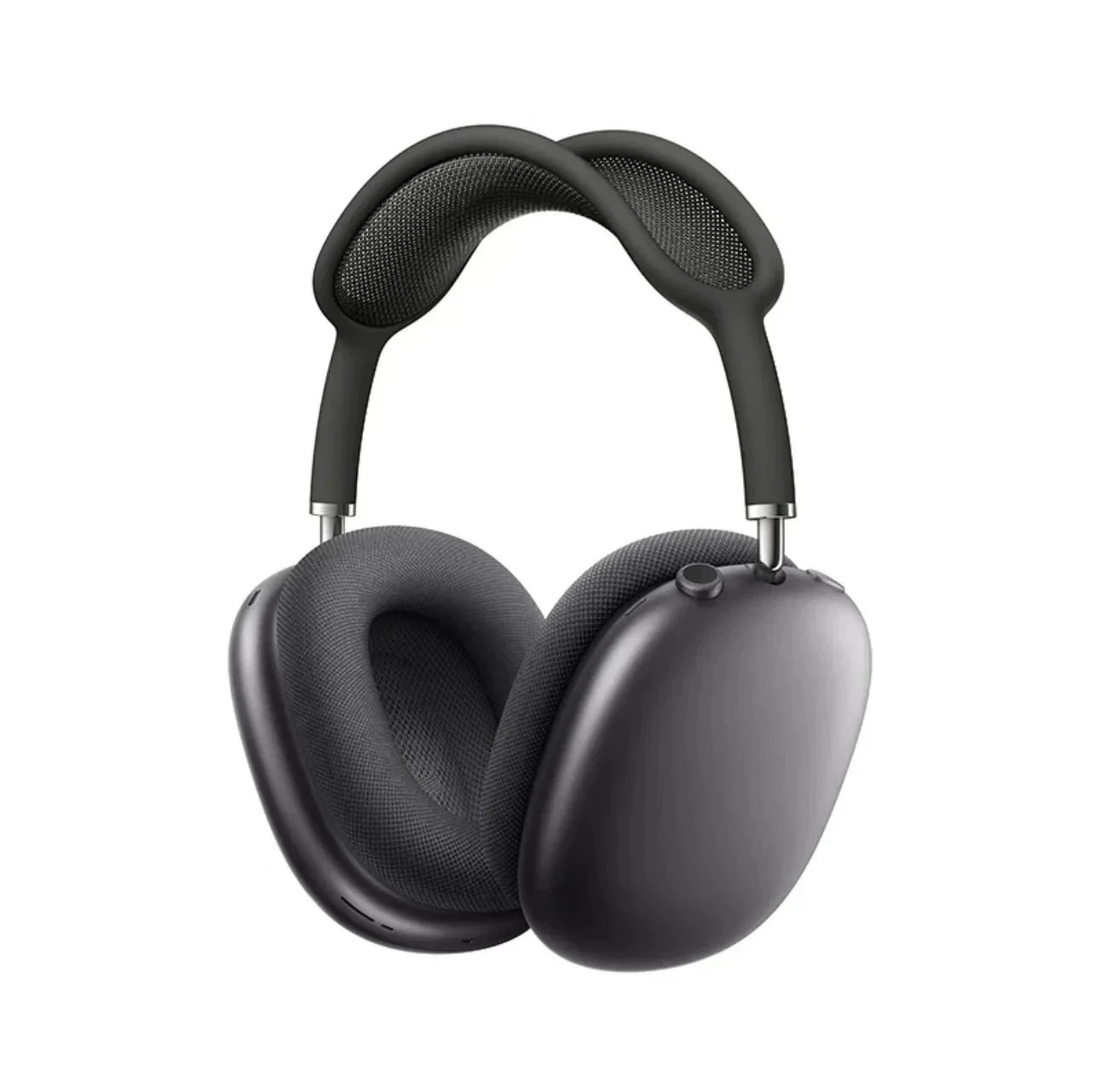 Electronics
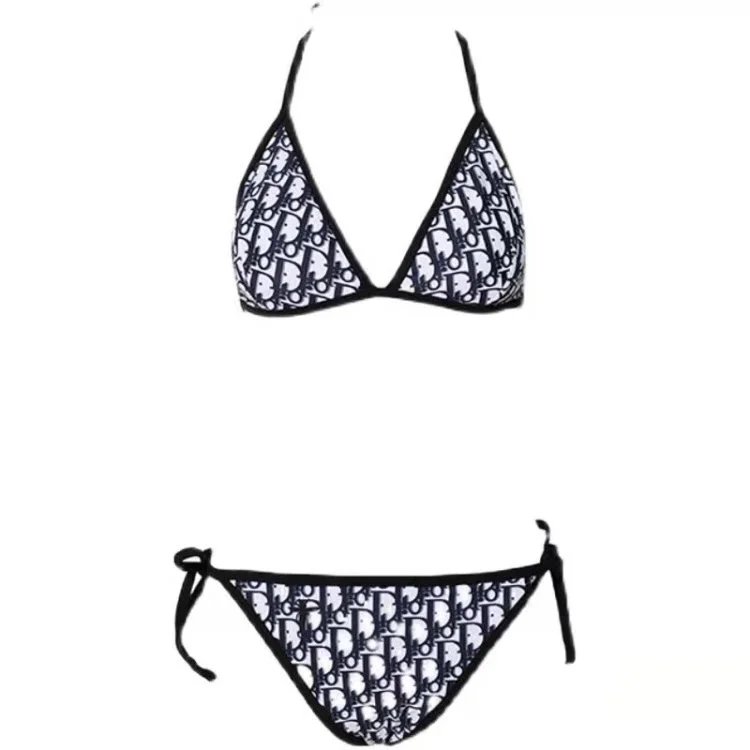 Women's
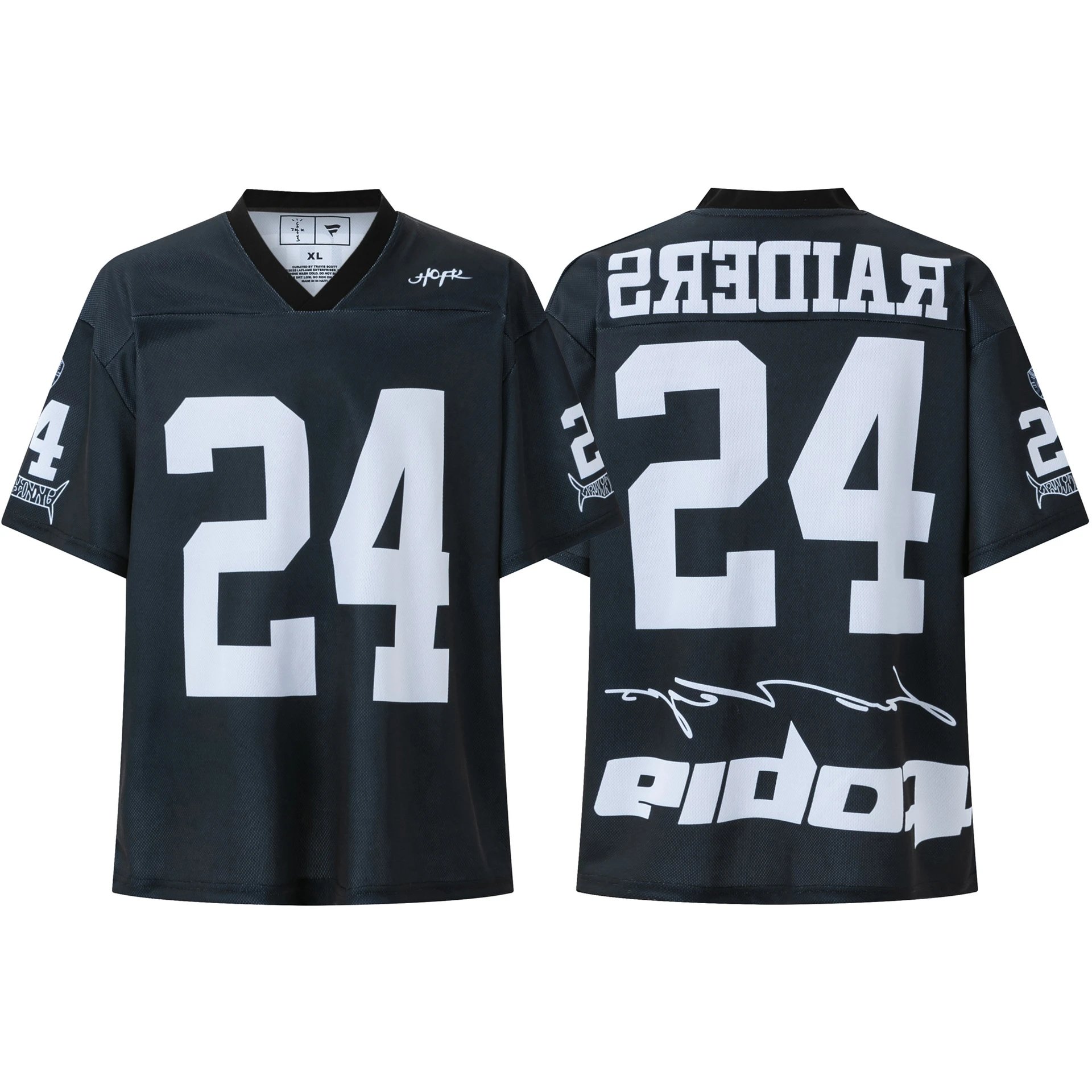 Jerseys
 Other Finds

Searchable finds, categories, and product research
Hipobuy Spreadsheet 2026
Search Hipobuy finds by category, product type, or price. Compare product names, photos, price references, and listing details before deciding what to research further.
Search All Finds- Searchable Finds Directory
- Browse by Category
- Price & Detail Comparison
- QC Research Guide
Current data snapshot
Start with what you need
Browse Finds by Category
Selected product records
Featured Finds from the Hipobuy Spreadsheet
Recent product records from the current data snapshot. Search the full spreadsheet to compare more options, categories, and price ranges.
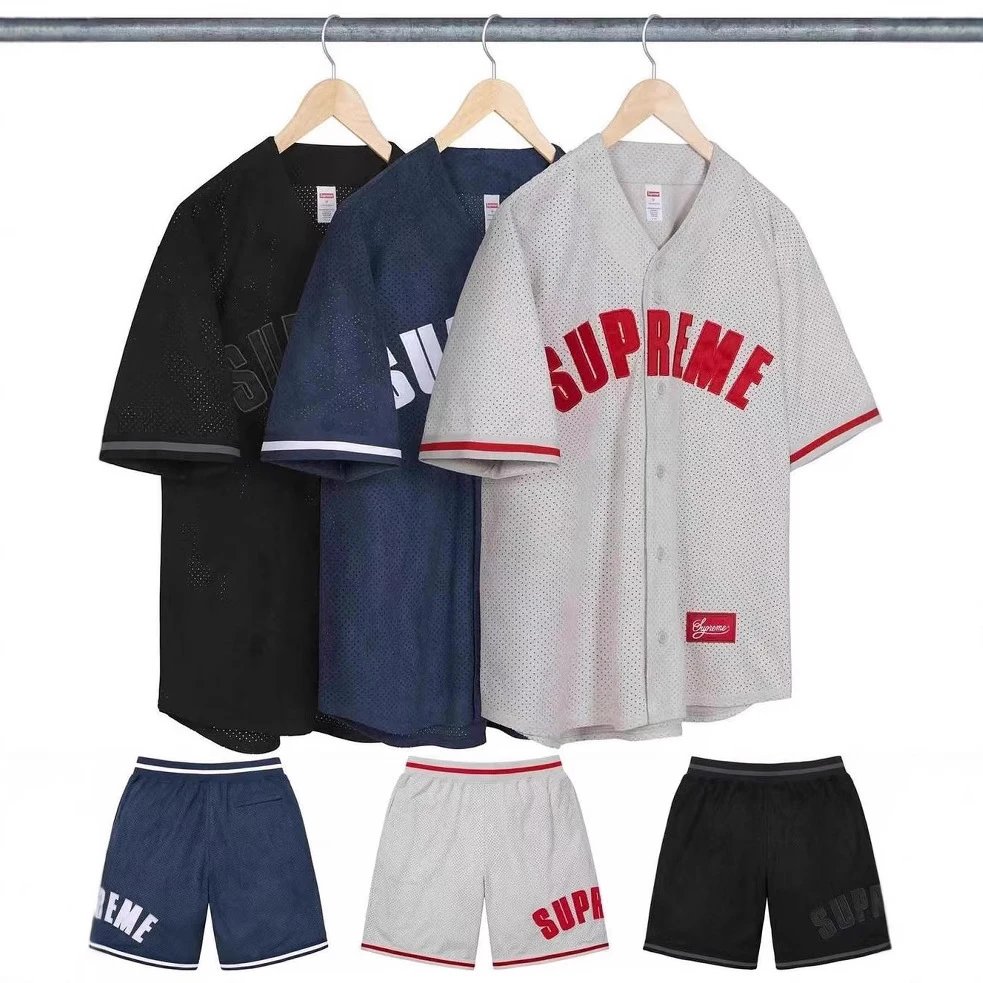

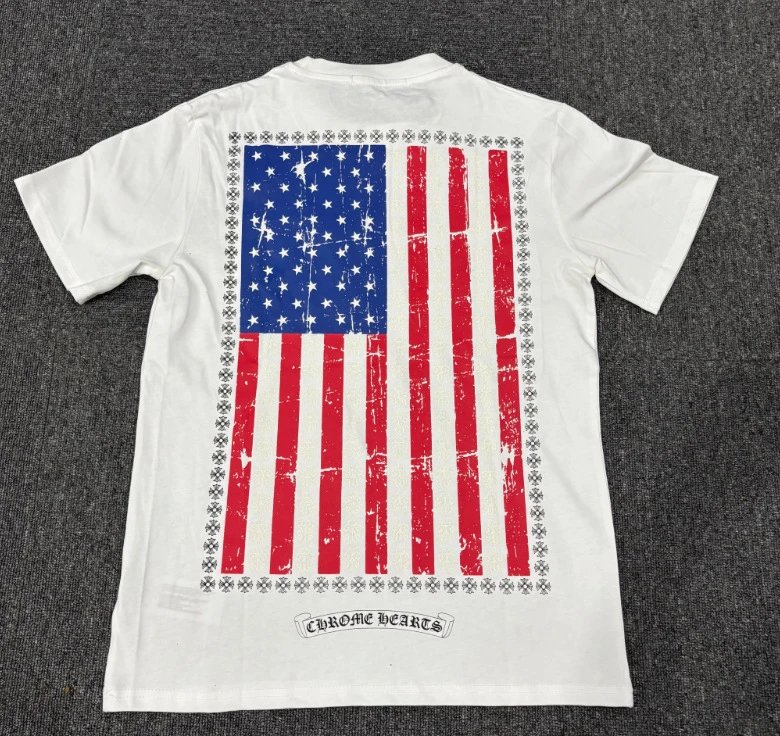
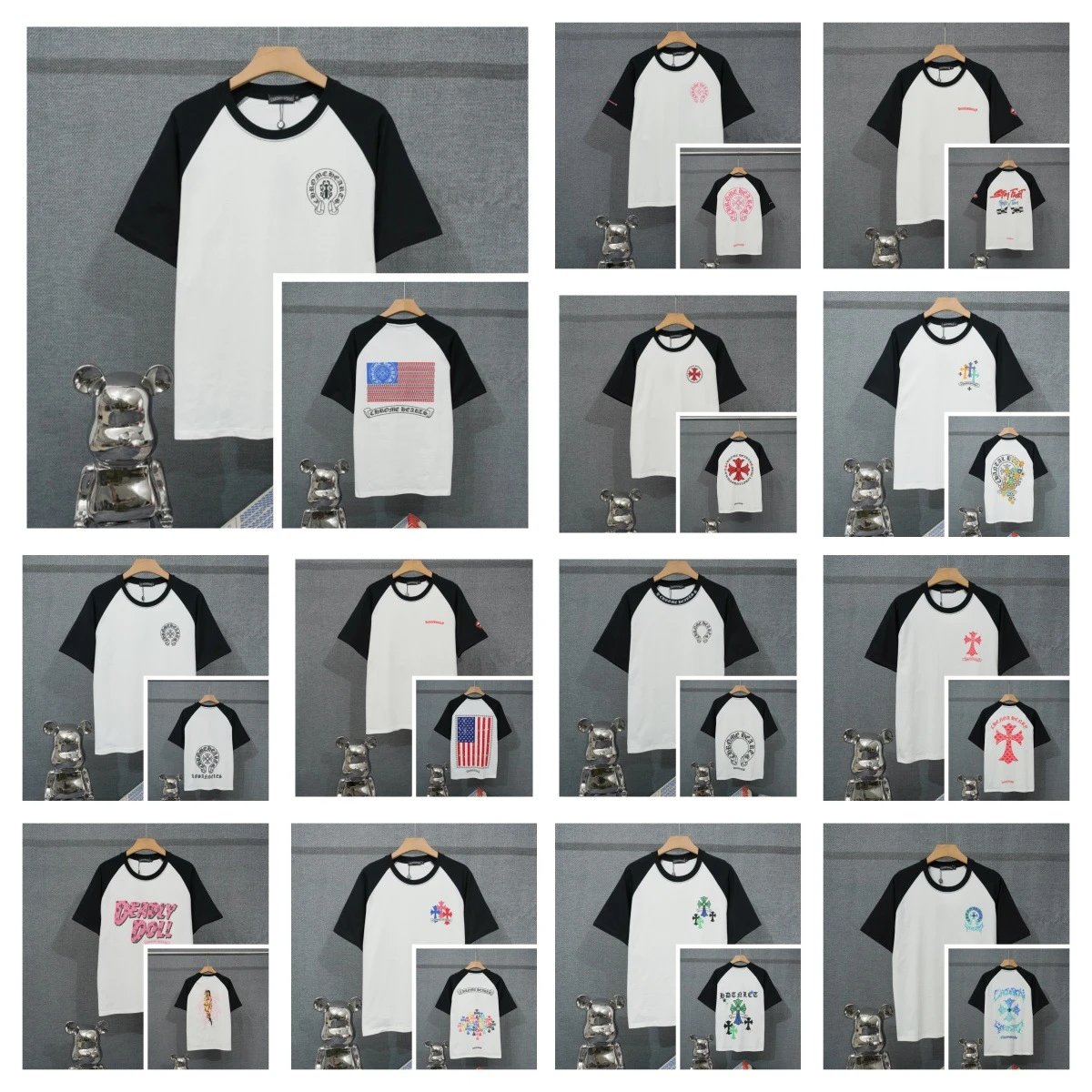

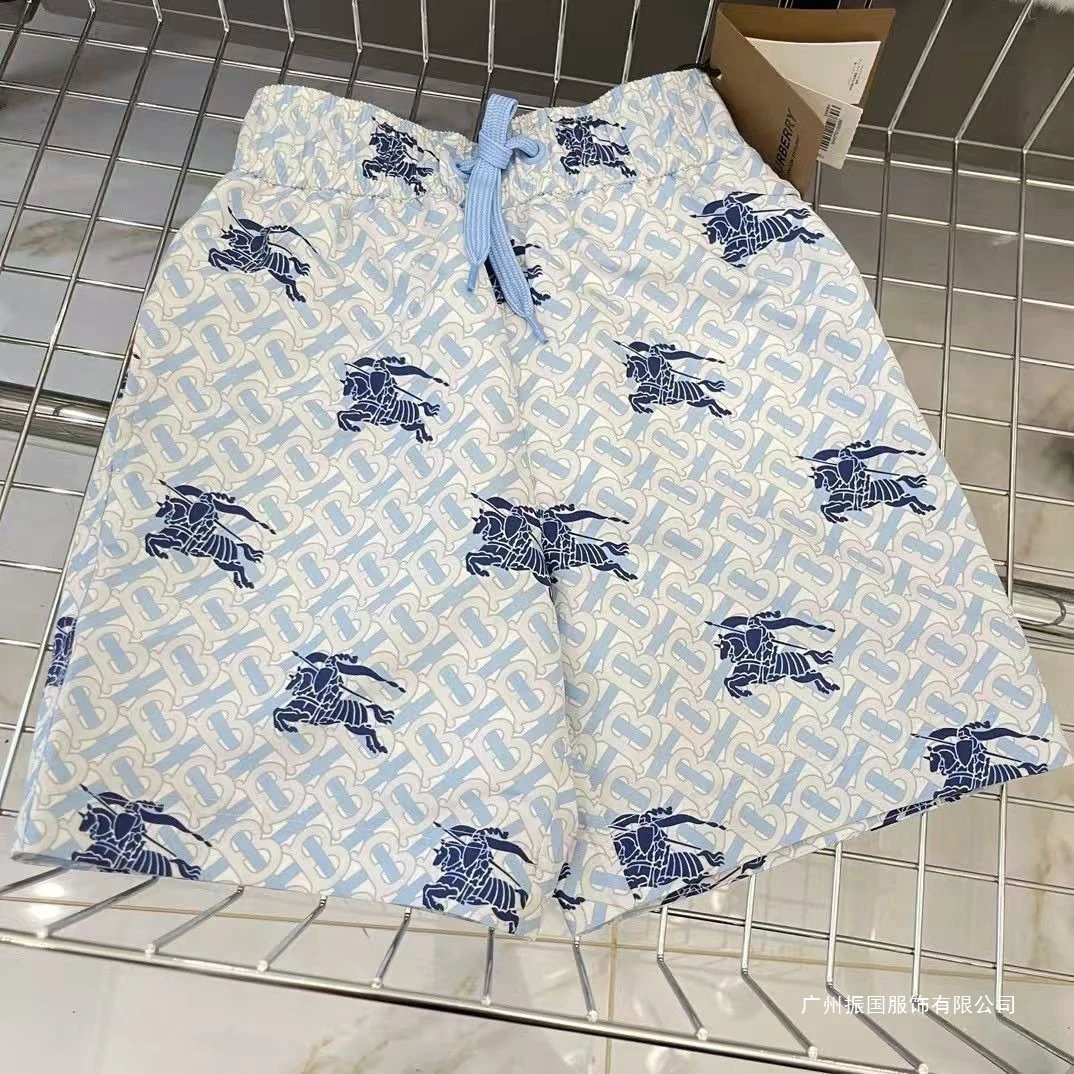
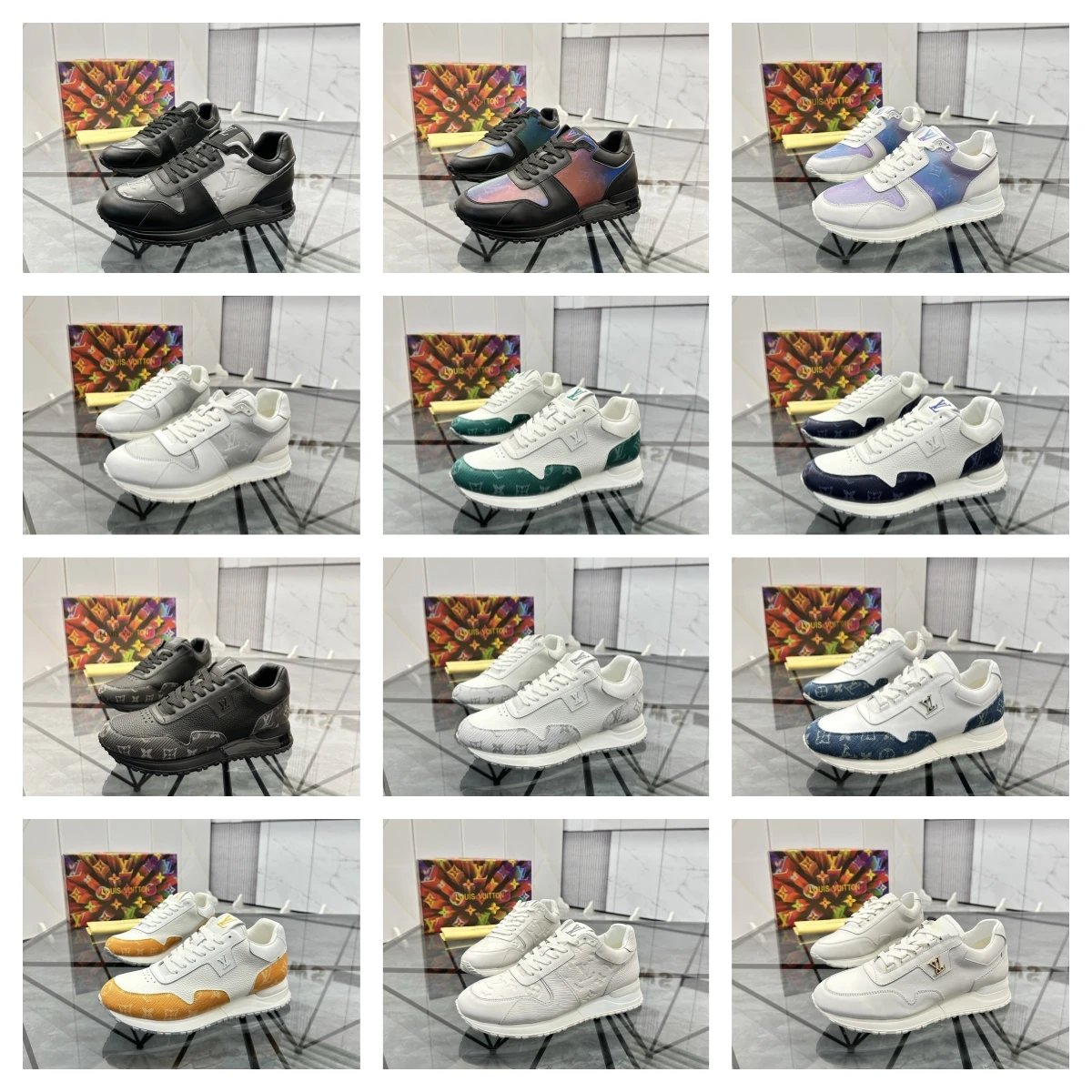
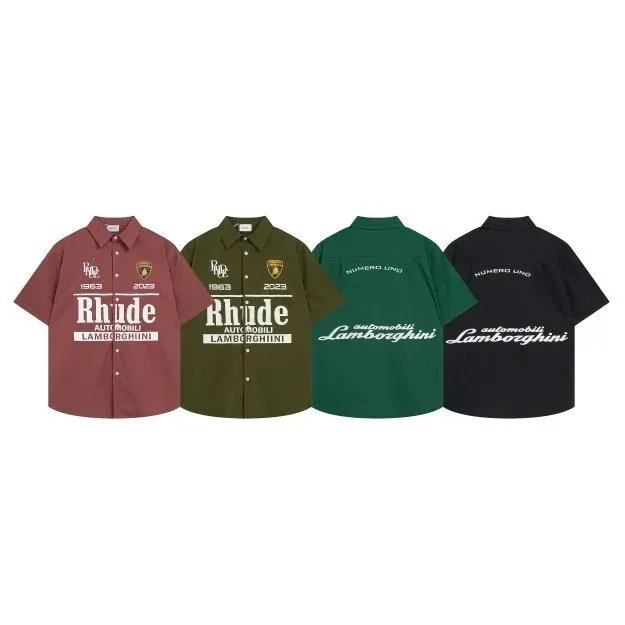
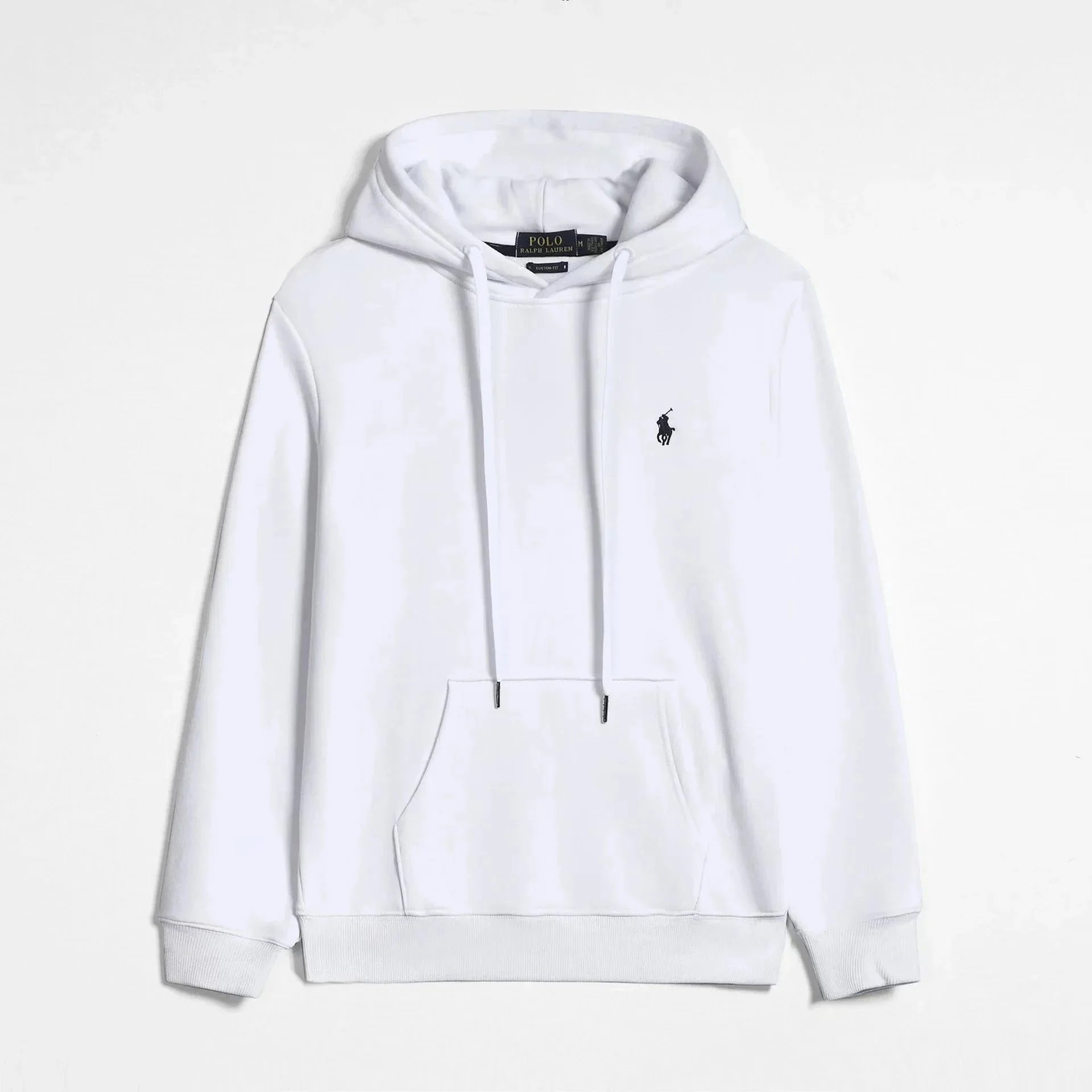
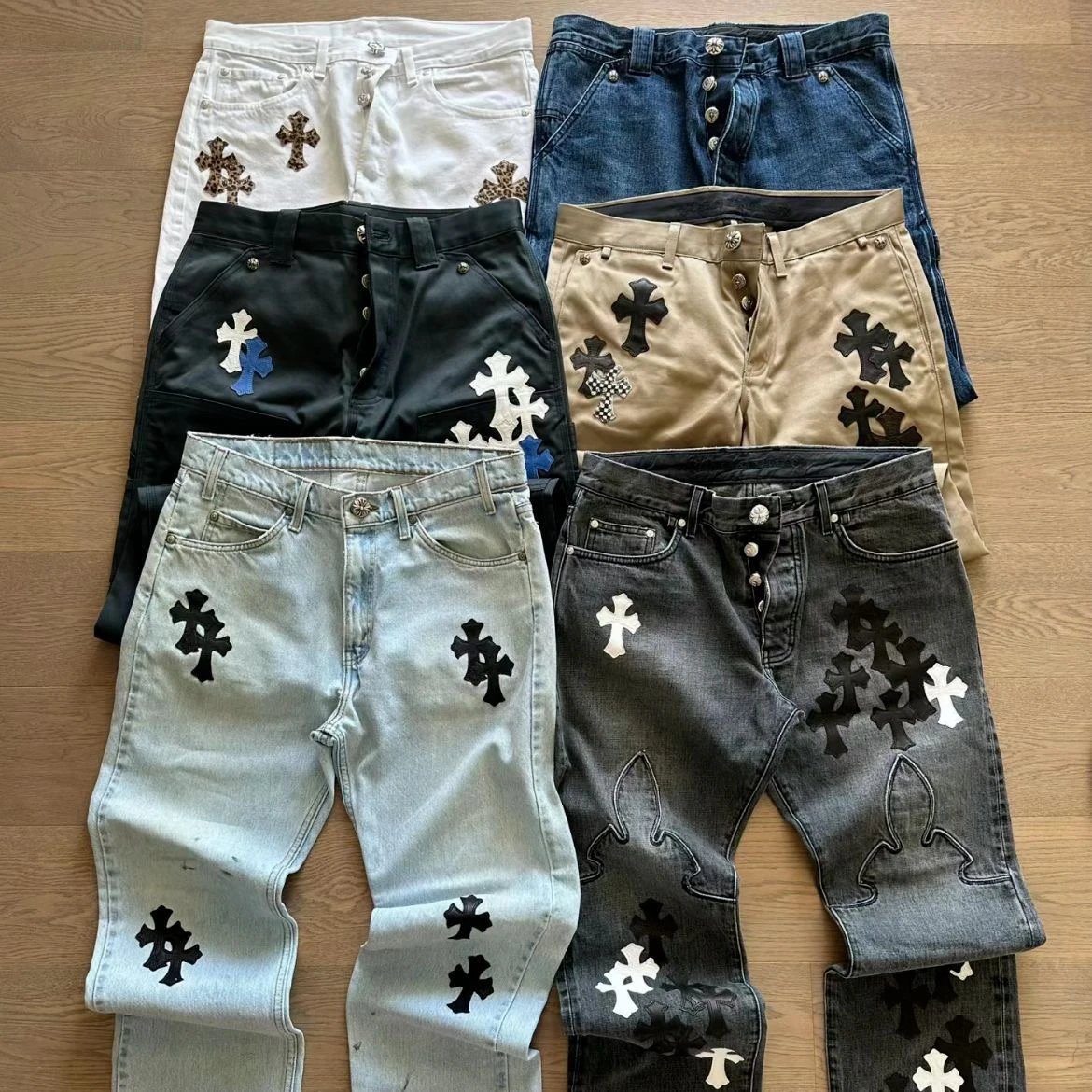
A simple research workflow
How to Use the Hipobuy Spreadsheet
New to shopping agents?
New to Hipobuy? Start Here.
Never used a shopping agent before? Read the beginner guide before placing your first order.
Important listing notes
Price and QC Information
Displayed USD prices make listings easier to compare, but prices and availability can change. Review the product description and confirm current information during your eventual buying workflow.
After placing an order, review the product QC photos Hipobuy provides in your account before confirming the item. Use the QC checklist before you decide.
FAQ
Hipobuy Spreadsheet FAQ
What is a Hipobuy Spreadsheet?
It is a searchable directory for browsing Hipobuy finds in one place. Browse product names, photos, categories, descriptions, and price references before opening a product link.
How do I search Hipobuy Spreadsheet finds?
Search by product type, model, brand, or a descriptive detail. Then use the category and price filters to narrow the results to options that are more relevant to what you want.
What should I check before opening a product link?
Compare the product name, category, photos, description, and listed price first. Then review the current linked page for the available options, price, and product details, as listings can change.
Are the product photos QC photos?
No. The photos are browsing references, not warehouse QC photos for a specific order. Review the QC photos linked to your own order before making a final approval decision.
How do I compare similar Hipobuy finds?
Compare the product name, category, photos, description, and listed price side by side. Check that you are looking at the same version and option before treating two records as like-for-like alternatives.