
Shoes
Practical warehouse-photo checklist
Hipobuy QC Guide: What to Check in Your Photos
Use QC photos as an item-specific final check after ordering. This guide helps you compare visible details, ask for useful extra photos, and keep the decision focused on your own item.
A simple sequence
Use QC at the Right Stage
- Use the spreadsheet to build a shortlist, then check the live listing before placing an order.
- When the item reaches the warehouse, compare your selected option with the QC photos for that exact order.
- Request a specific extra photo or measurement only when a detail is unclear.
- Make the final decision from the live listing and your own QC photos, not a generic product photo or another buyer's item.
Visible details only
What to Check by Product Type
Clothing
Measurements, placement and construction
Check the tag, measurement, print or embroidery placement, seams, cuffs, colour and obvious marks. A measurement photo is more useful than guessing fit from a flat lay.Accessories
Hardware, material and included parts
Check the selected colour, visible material, stitching, hardware finish, straps, zips and included components. Ask for a close-up of the exact area that affects your decision.
First pass
Match the Order Before Judging Details
Confirm the item type, selected option, colour and visible version first. A close-up is only useful if you know it belongs to the item and option you intended to buy.
Second pass
Compare the Details That Matter to You
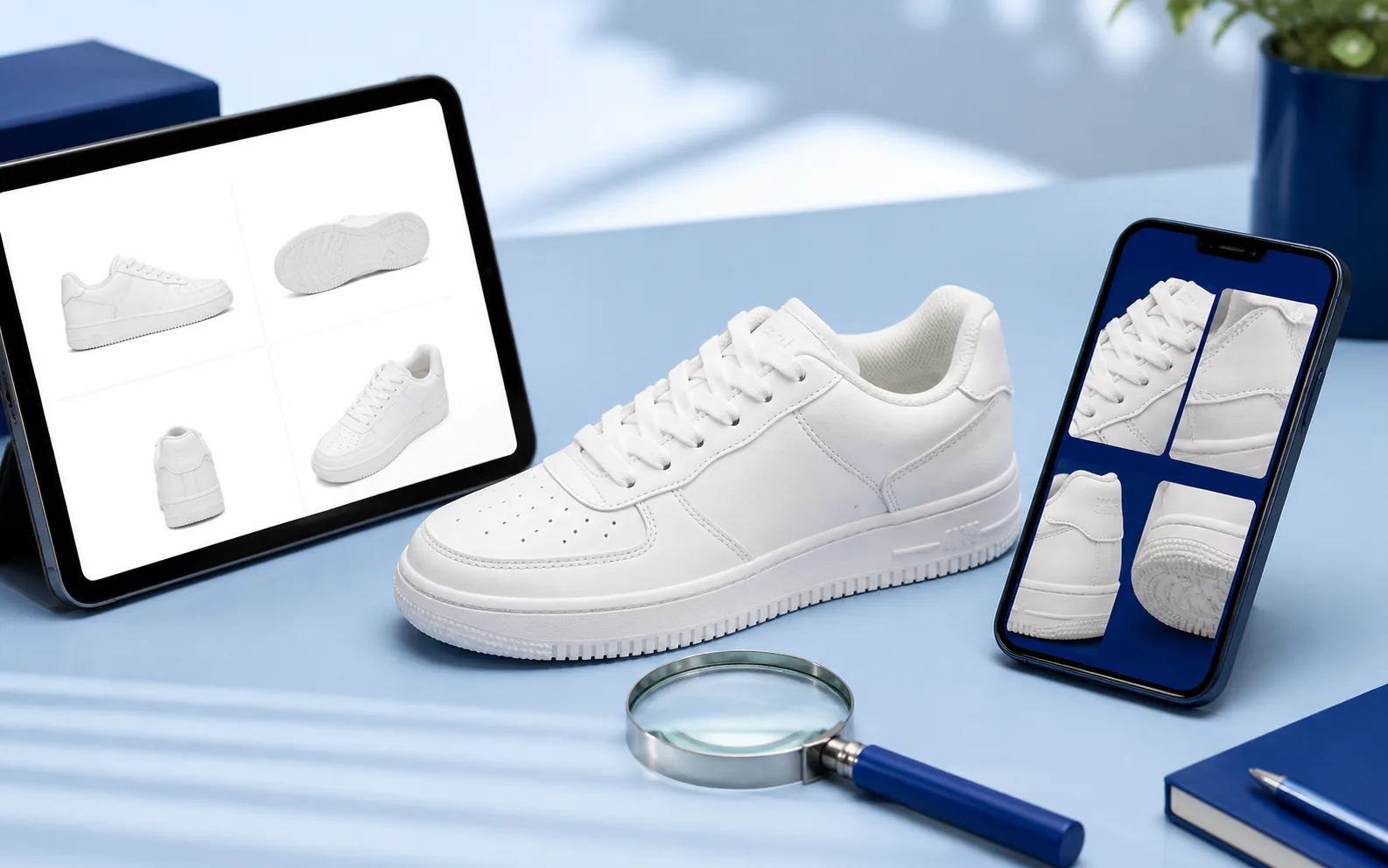
Use the live listing as a reference for visible features such as shape, material, print placement or hardware. Do not turn a general photo into a claim that a product is verified or flawless.

When unclear
Make Specific Requests
Ask for the exact detail that would change your decision: a measurement, a close-up of stitching, a clear view of a print, or a different angle of hardware. Avoid requesting additional photos without a purpose.
QC questions
Frequently Asked QC Questions
What are QC photos?
QC photos are warehouse photos of the specific item connected to your order. They can help you inspect visible details before you approve an item, but they cannot prove long-term quality, comfort, authenticity, or how the item will fit.
When should I check QC photos?
Use them after your item reaches the warehouse and before you make a final decision. Start by comparing the ordered option, colour, size and visible details with the live listing you used.
What should I ask for if the photos are unclear?
Ask for one precise view or measurement at a time, such as an insole measurement, a close-up of a print, a label, a logo placement, a sole edge or a colour in neutral light. Specific requests are easier to assess than a general request for more photos.