

Review the exact item
QC photos are a checkpoint, not a guarantee
QC photos can help you look at the item that was received for your order. They are most useful when you compare them with the listing and focus on details that matter for that product. They do not replace your own judgment or guarantee every aspect of an item.

Step 1
Open the QC photos for the exact item
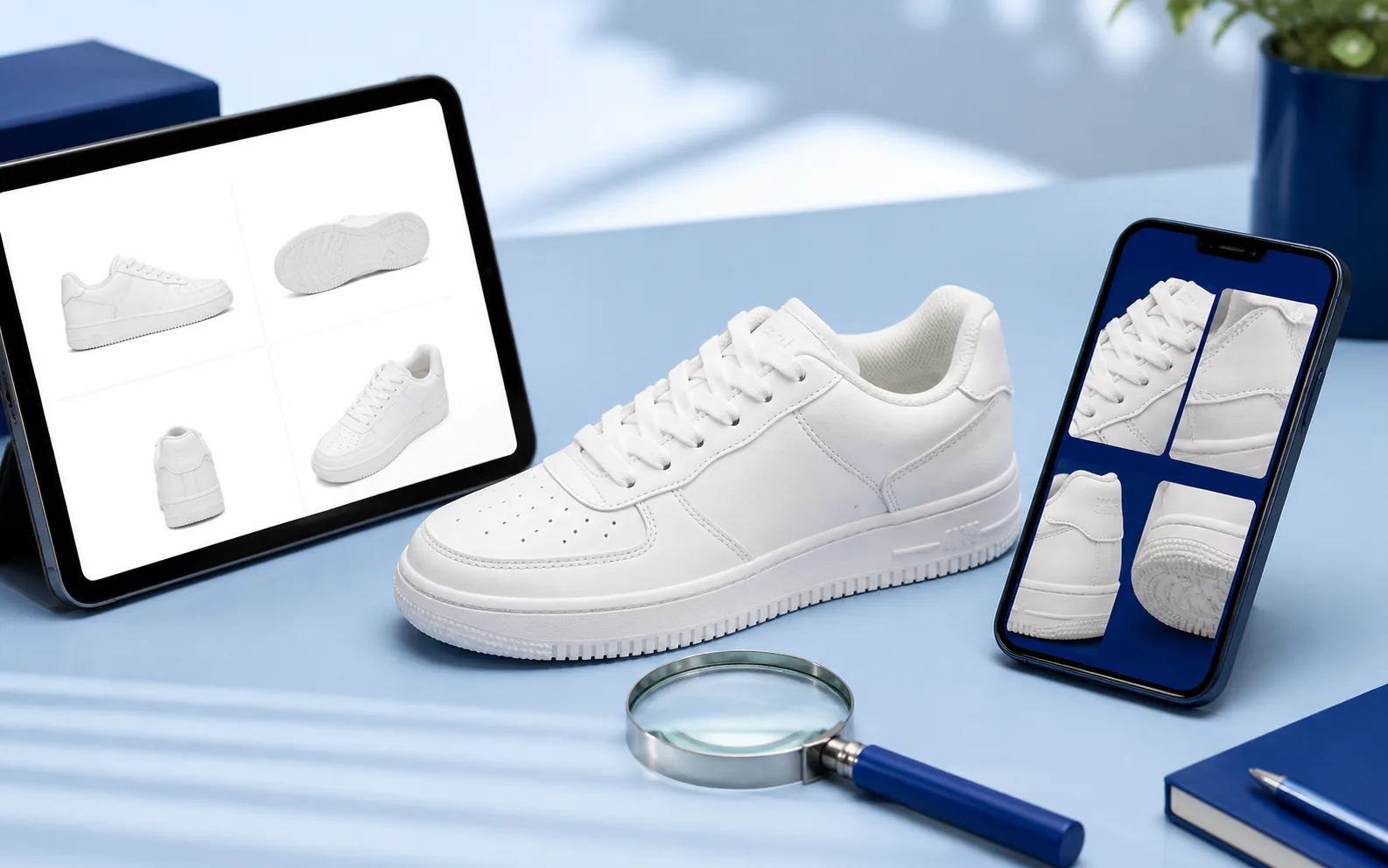
After ordering, check Hipobuy for the product QC photos they provide. Make sure you are looking at the images attached to your own order, then view the full set rather than relying on a single image.
Step 2
Compare them with the live listing
Open the original product listing and compare the product type, colour, material, shape, and visible details. Listing photos can be stylised, so focus on whether the QC images appear to show the option you intended to order.
Step 3
Inspect the details that matter
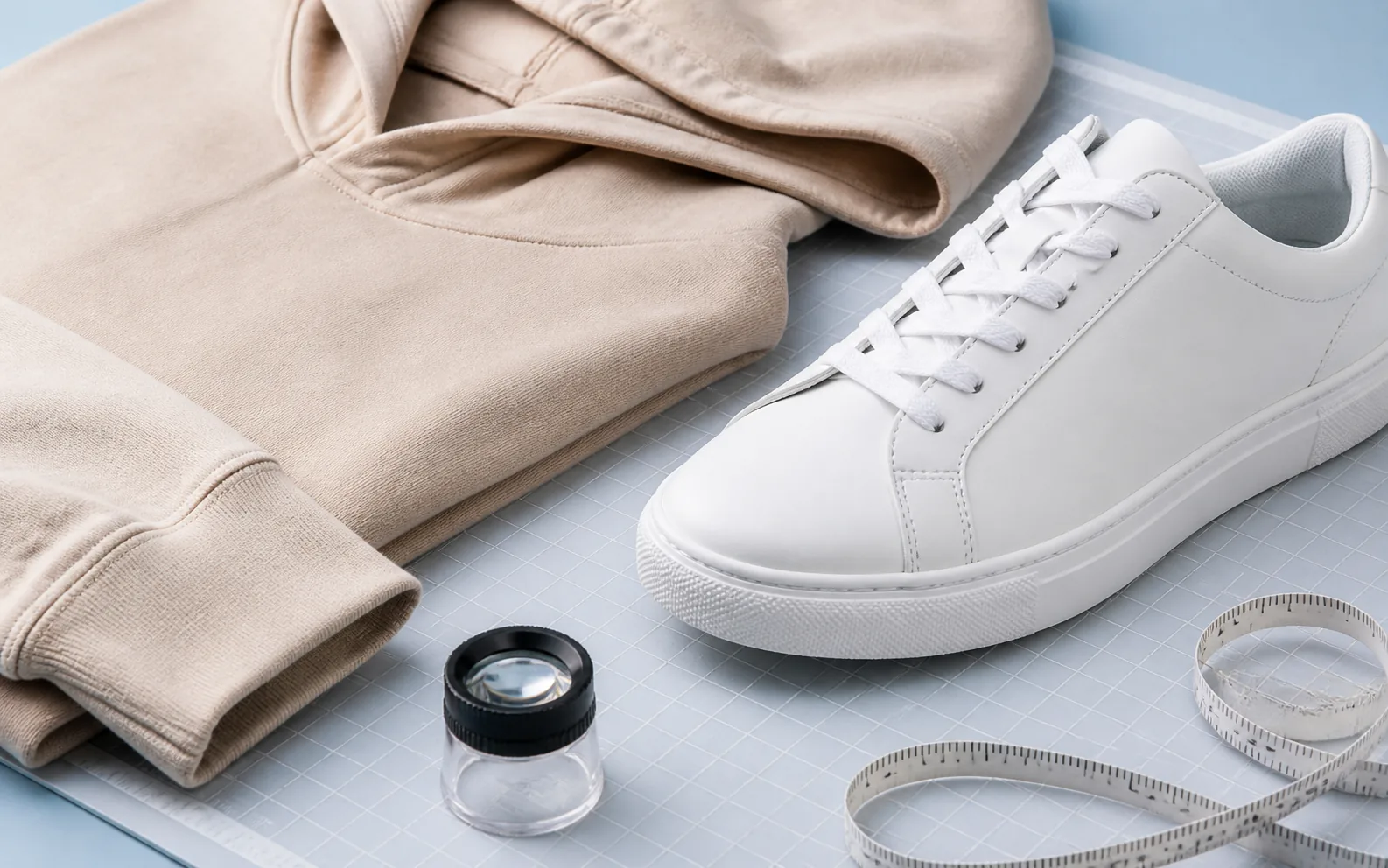
Look for clear views of the areas you care about: overall shape, colour, stitching, material texture, measurements, labels, soles, fastenings, or packaging. The right checklist depends on the item, so a shoe and a hoodie should not be reviewed in exactly the same way.
Step 4
Decide whether you need more information
If an important angle, measurement, or detail is missing, use Hipobuy’s available order support options to ask for clarification or additional photos. Keep the request specific so it is easier to answer. If the provided photos already address your concerns, you can continue with the next step in your order workflow.

The spreadsheet is for finding and comparing products. Open the product record in a new tab to review the current listing details before making a decision. The QC review happens after ordering through your Hipobuy order flow.